Selected work
MdReader
Write in Markdown and read the result without leaving the app. A Windows editor for local notes and documentation, with tabs, formatting tools, and light and dark themes.
Overview
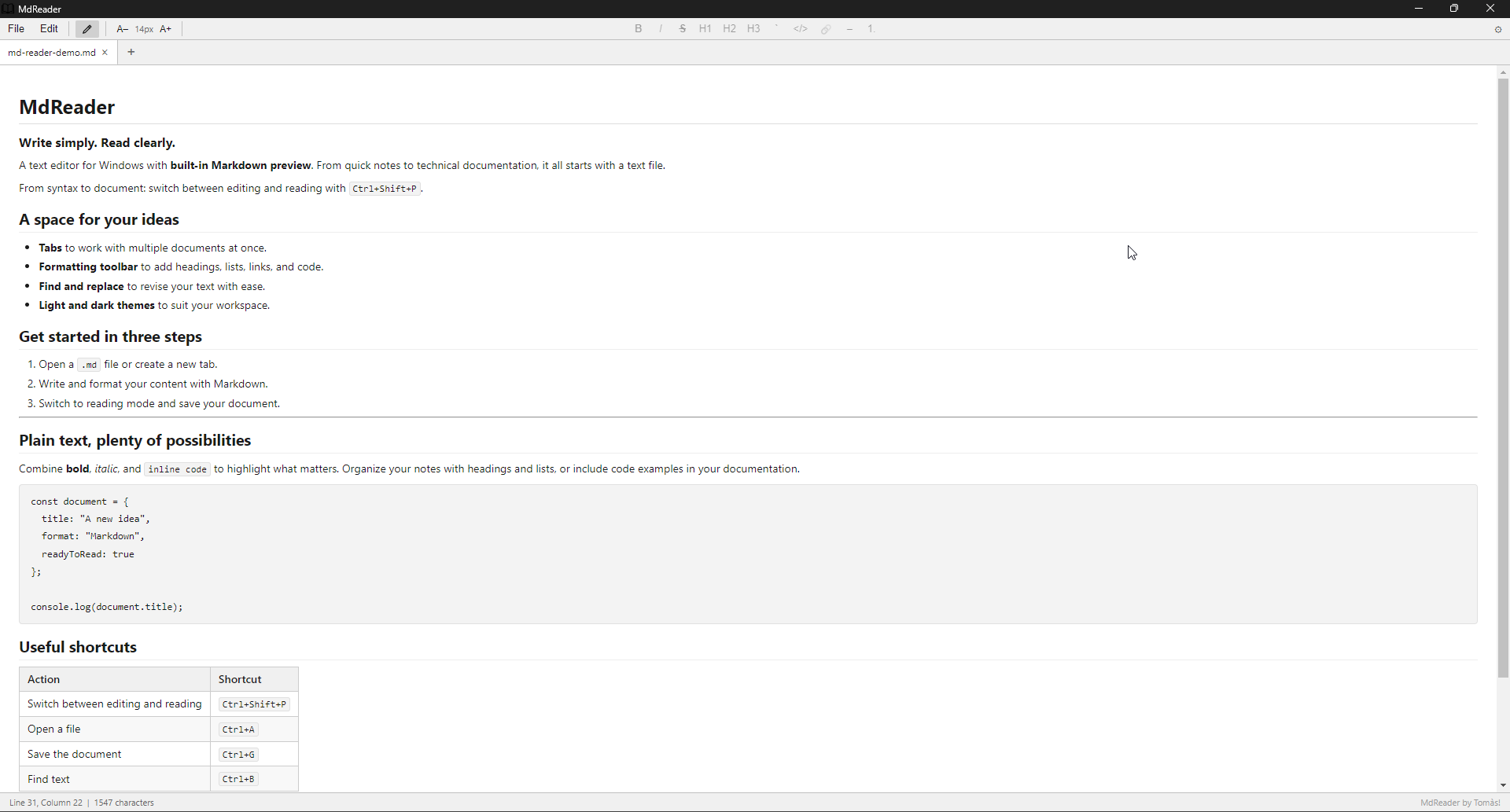
I built MdReader because I was tired of reading .md files as plain text, without seeing their formatting. I wanted to open a document and read it with properly displayed headings, lists, and code blocks, while still being able to edit it when needed. That need led to a Windows editor, inspired by the simplicity of Notepad, that lets me switch between Markdown source and the rendered document.
Editing experience
The editor uses CodeMirror 6 and supports working with multiple files in tabs. Users can switch between editing and rendered Markdown preview, apply formatting from a toolbar, and use find and replace.
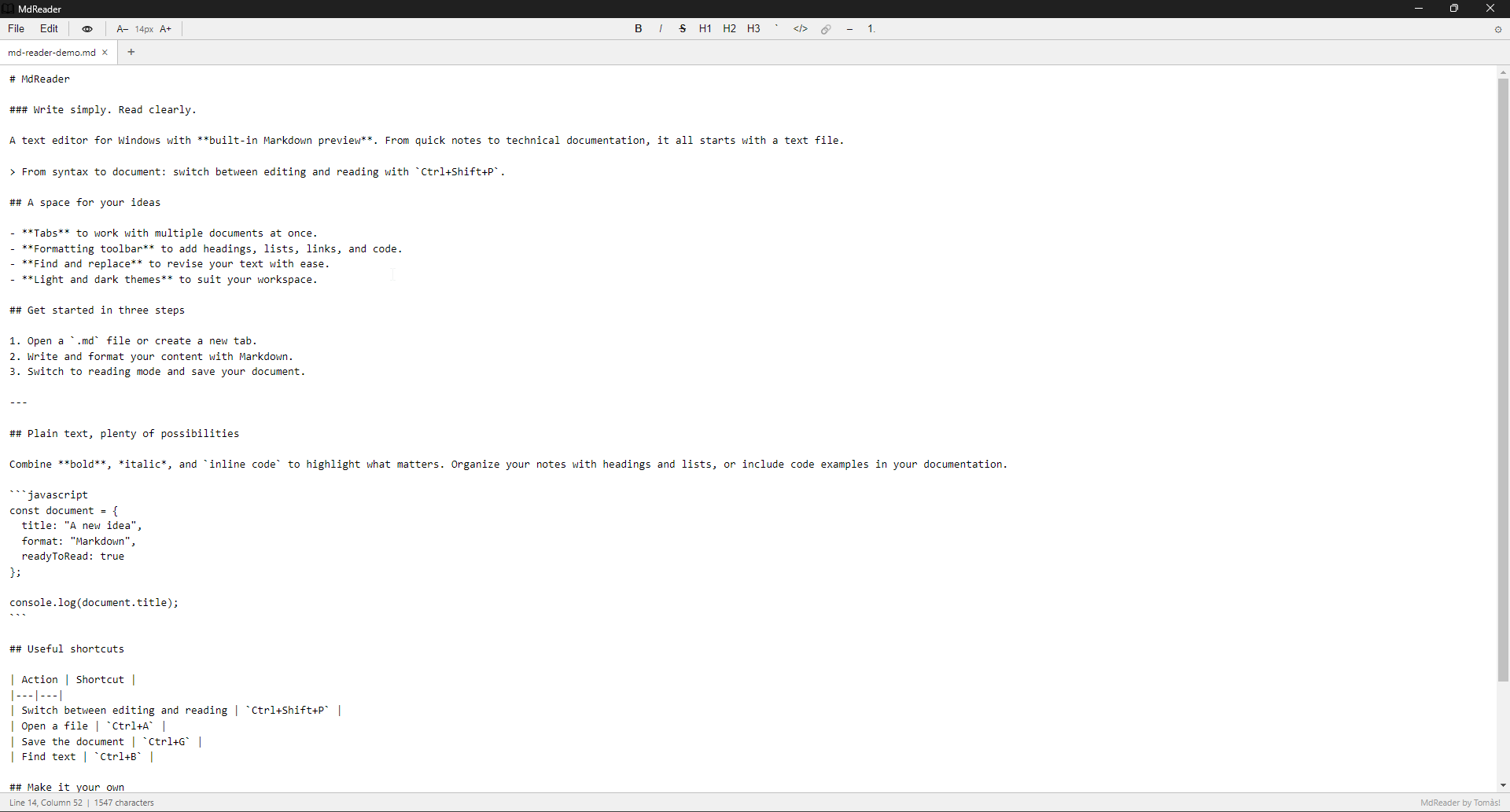
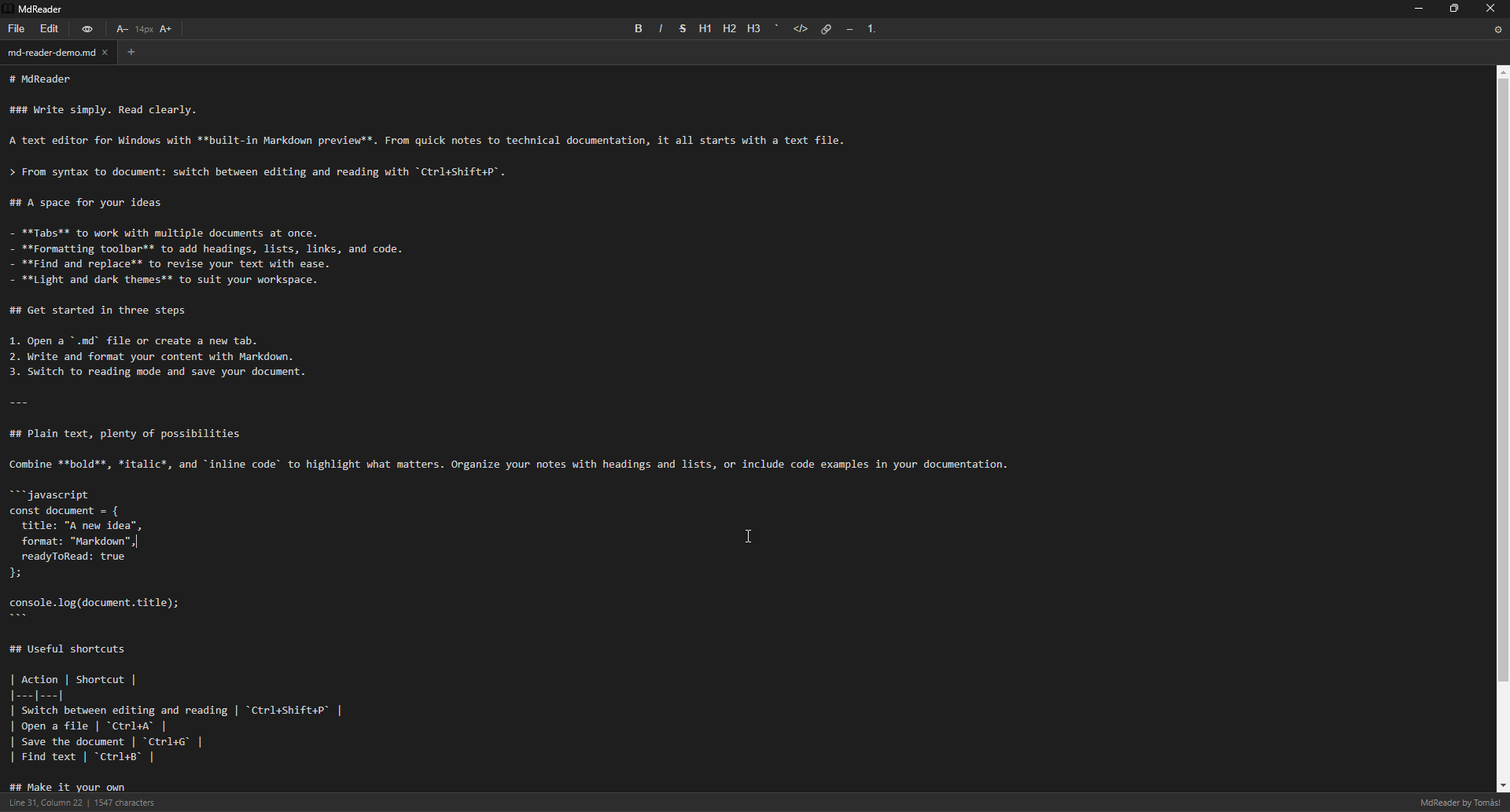
- Keyboard shortcuts for file, editing, and formatting actions.
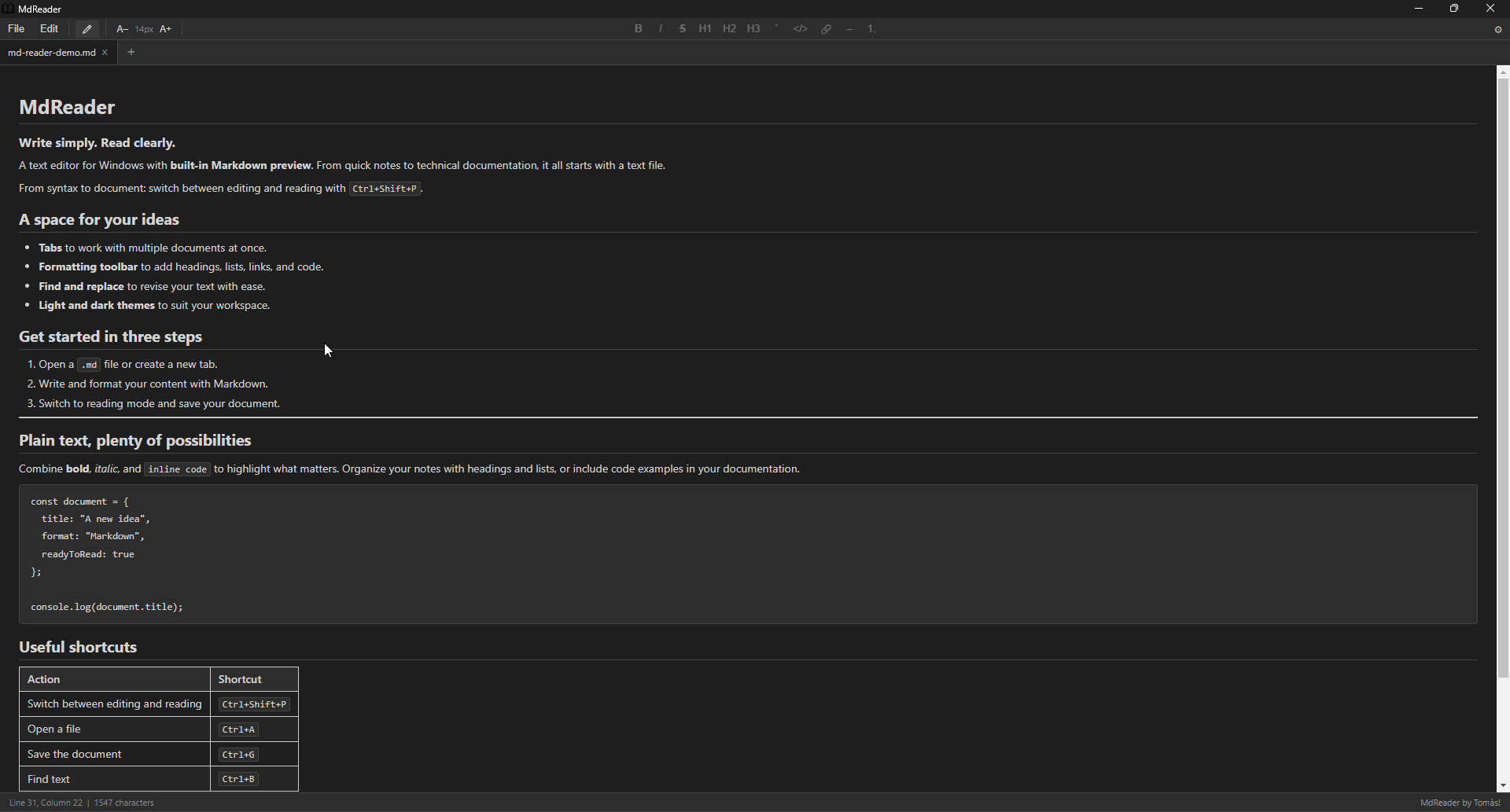
- Light, dark, and system themes, font selection, zoom, and word wrap.
- Preferences saved and restored when the application starts.
Markdown rendering
The preview transforms Markdown with marked and sanitizes the resulting HTML with DOMPurify before rendering it. This separates document parsing from protection of the rendered view.
Windows distribution
electron-builder produces two formats: an NSIS installer with shortcuts and directory selection, and a portable executable that requires no installation. Version 0.1.0 is published through GitHub Releases in a package containing both options.
- Download the Windows version 0.1.0 ZIP (159 MB) and extract its contents.
- To install the app, run MdReader Setup 0.1.0.exe and follow the installer steps.
- If you prefer not to install it, run MdReader-0.1.0-portable.exe.
- Open a .md file or create a new tab to start writing.